Enrolling a device
Install a lightweight agent on a company laptop to report its own security posture.
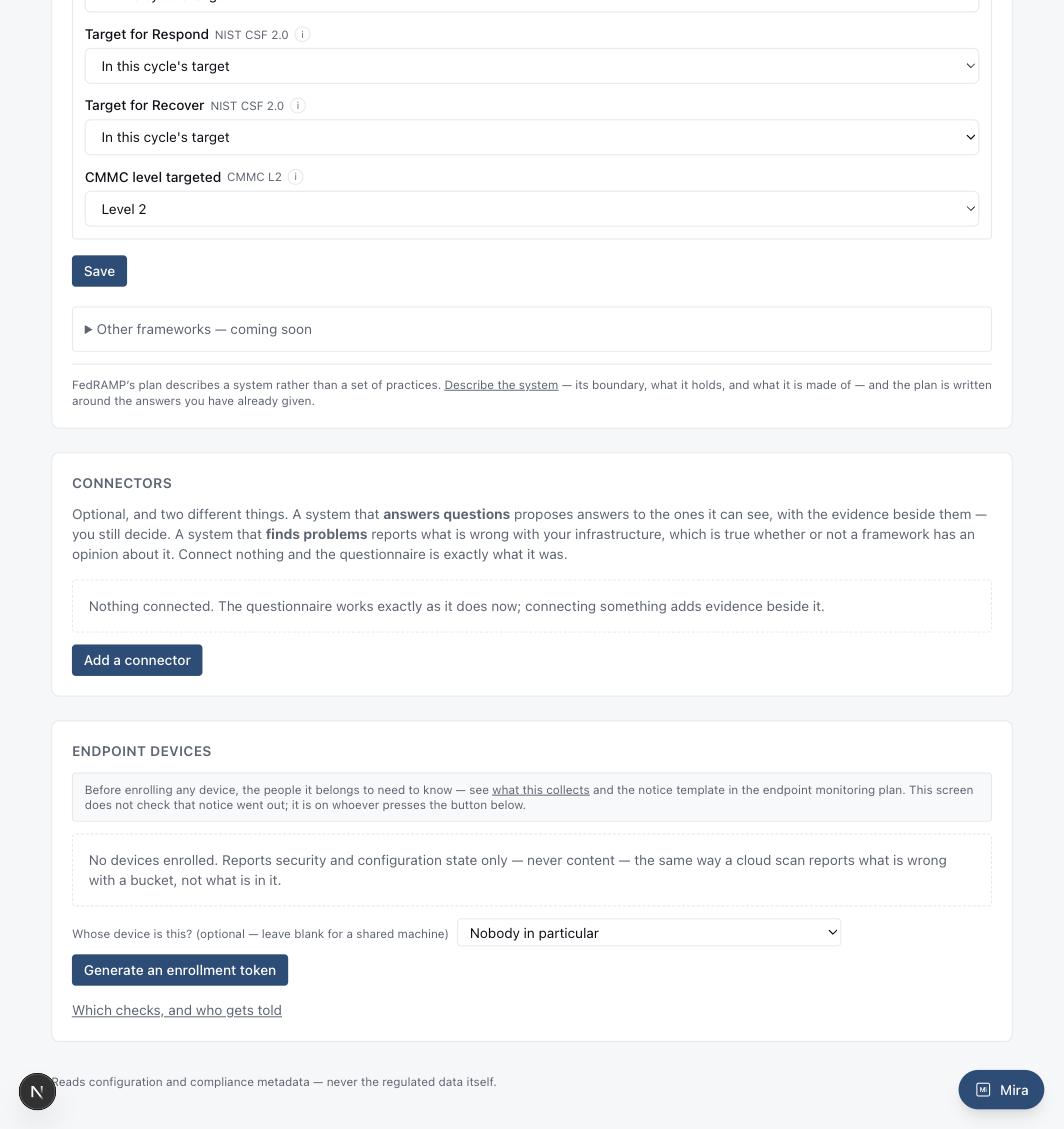
Read this before enrolling anything: the people a device belongs to need to know it is being monitored, and what it collects, before it happens. See "what this collects" (linked on the Devices screen) and make sure your own monitoring notice has actually gone out — the enrollment screen does not check that for you.
The endpoint agent reports security and configuration state only — never content. It answers a closed set of checks: is the disk encrypted, is endpoint protection running, is the OS current, is the screen lock on. It never reads a file, a message, a browser history entry, or anything a person typed.
How to set it up
- In Settings, under Endpoint Devices, optionally choose whose device this is (leave blank for a shared machine), then "Generate an enrollment token."
- Run the matching install script on the device — macOS, Windows, and Linux scripts are each generated for you, with the token already filled in.
- The device checks in on its own schedule after that. Nothing further is required.
An enrollment token is single-use and expires quickly if unused — the same posture the AWS and GitHub connect flows already follow.